Take control of your data with mEinstein.

Welcome to the
mEinstein Marketplace

Connecting Enterprise AI to the user’s private, on-device Algorithmic Self-Portrait — by permission.

Welcome to the mEinstein Marketplace

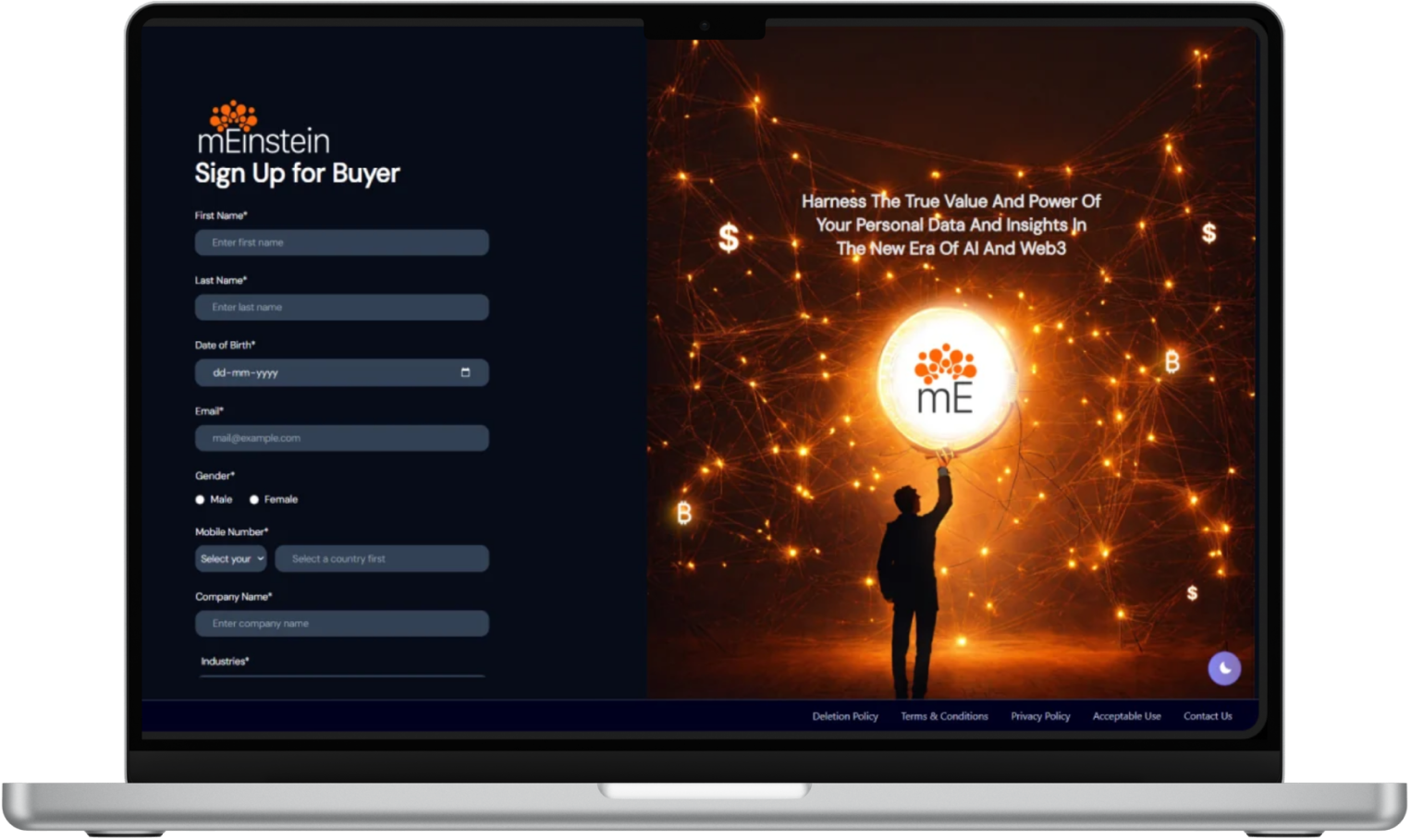
Register as a Buyer

Your journey begins with account verification across 3
progressive stages:

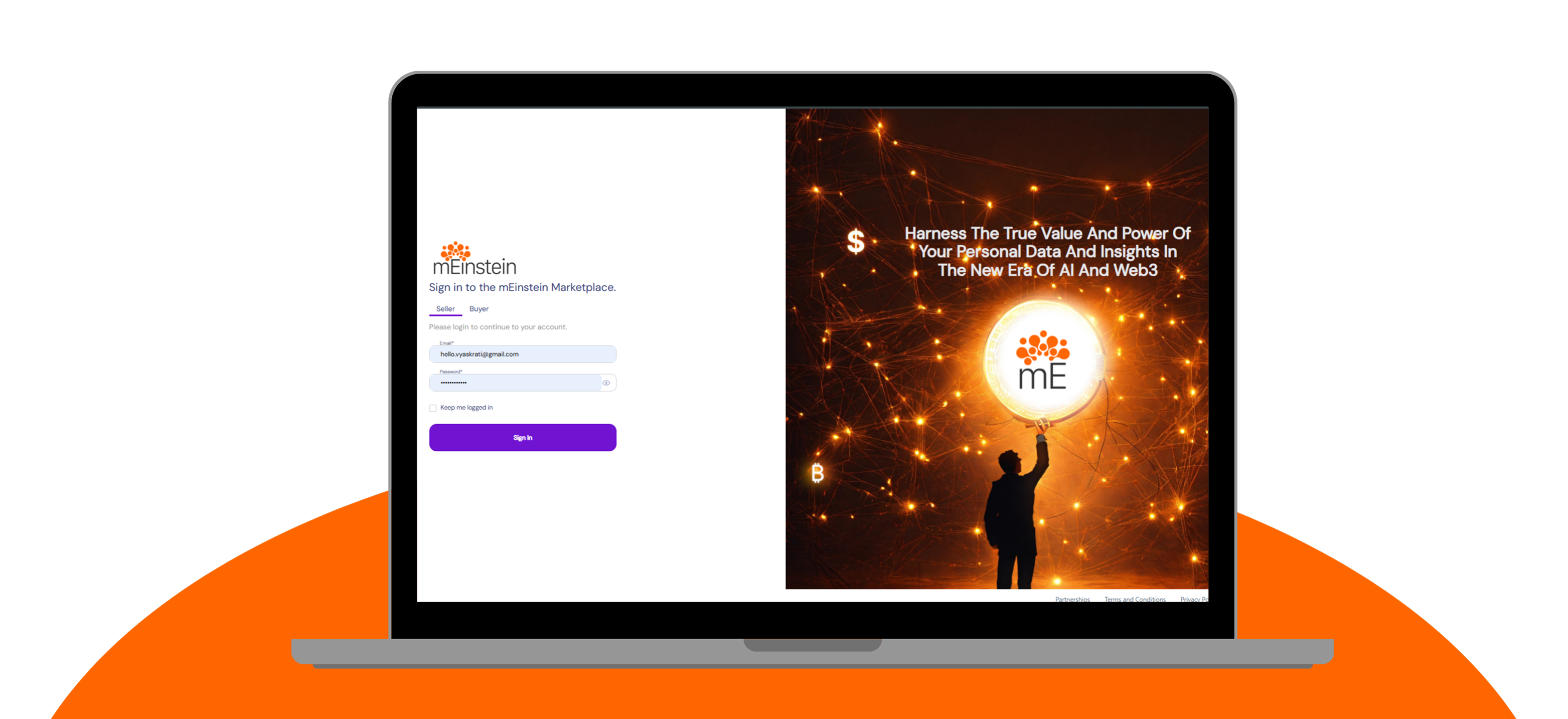
Register as a Buyer - mEinstein
01: Basic Organisation Details
with Demographic
02: Verified Buyer with Verification
to Unlock Full Access
03: User consent and ethical acquisition of their
permissioned data.

Proactive Buying

You proactively define the data you want and users match your needs.

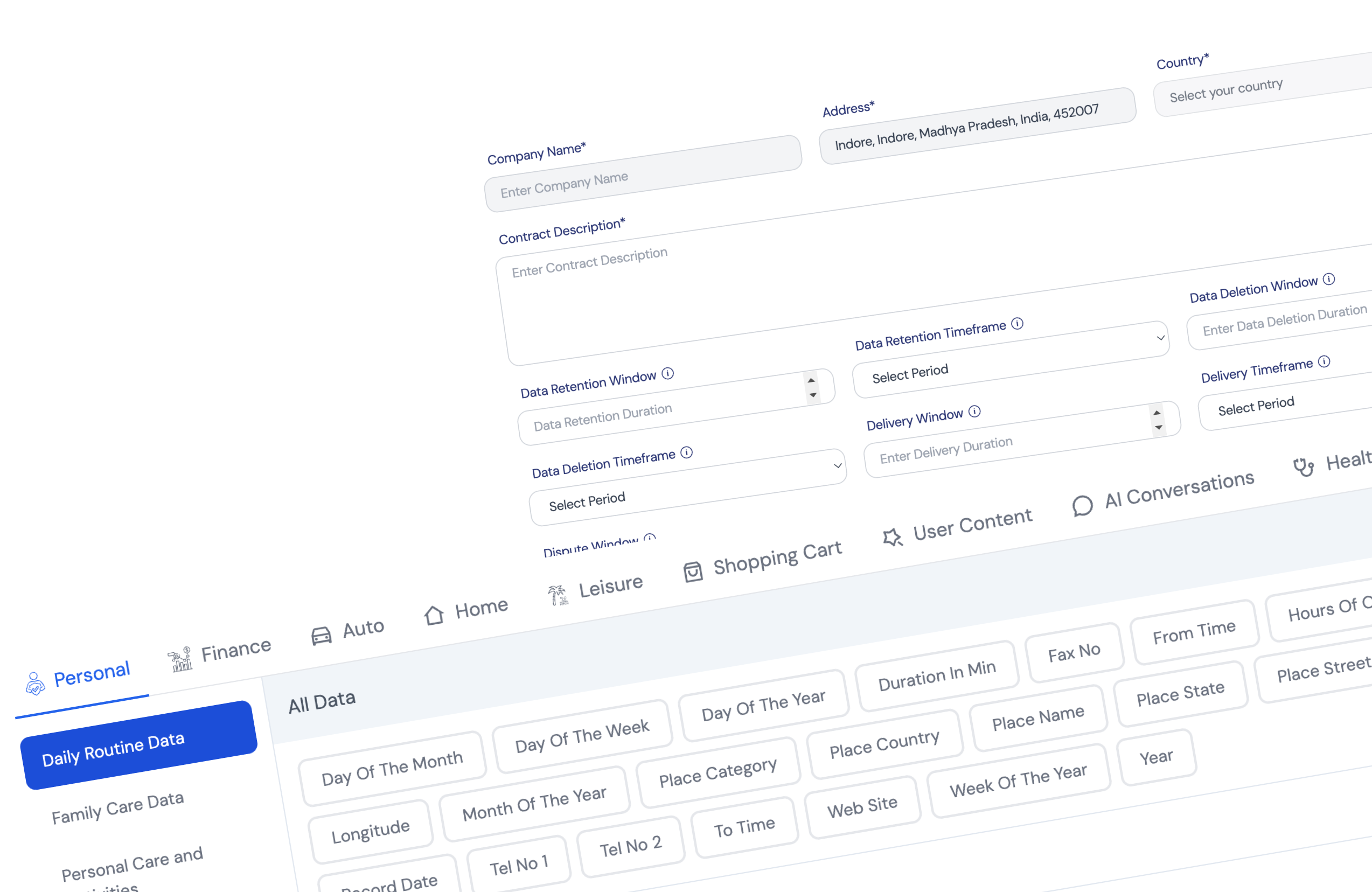
Configure Your Data Requirements

  • •Data categories (e.g., Daily Routine, Finances, Transactions, Health)
  • •Target locations (e.g., Country, City , State)
  • •User demographics (Age Range , Cohorts , Gender, etc.)

Listing Fee applies upon posting. mEinstein charges a small fee based on contract value.

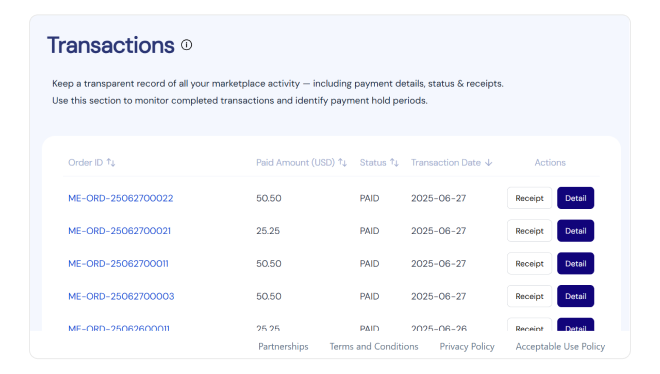
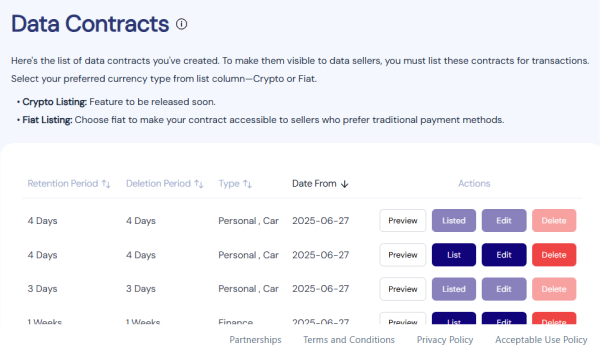
Proactive Buying Dashboard - mEinstein
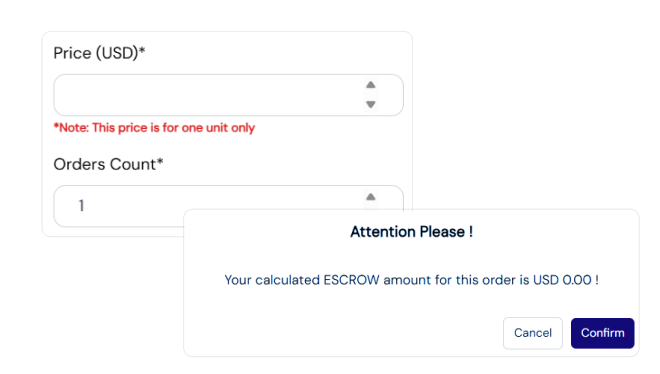
Create Orders UI Preview

Create Orders

Define your data requirements, set your terms, and publish orders for sellers to review and fulfill based on your needs.

  • •Escrow is calculated and held by mEinstein for transaction integrity.
  • •Define number of orders (one order = one user's data).
  • •Set a price or price range per record.
ETHICAL DATA MARKETPLACE

The New Way To Connect
With Your
#Consumers

Our Ethical Data Marketplace allows your organization to reach
out for consumers data in a consensual, inclusive, and fully
transparent way.

Companies can buy data directly from users, building trust, accessing more accurate information at lower costs, and ensuring ethical, consent-based data collection.
mEinstein Ethical Data Marketplace Mascot

Reactive Buying

React to available user-listed data packages that interest you.

Define:

Retention, Deletion, Termination, Delivery, and Dispute periods
mEinstein replaces listing fees for revenue sharing.
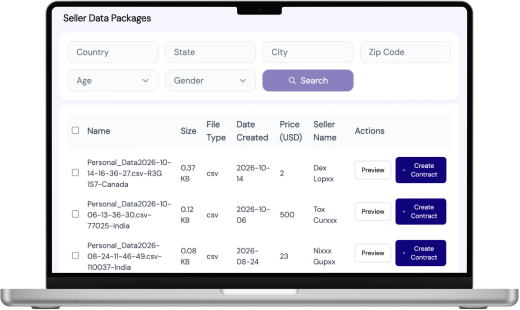
Reactive Buying Dashboard Laptop Preview

01: Search and Discover

  • •Explore posted contracts published by buyers and sellers.
  • •Search and filter contracts by data category, location, demographics, and other requirements.

02: Create Orders

  • •Define the order count.
  • •Confirm or negotiate price per user record.
  • •Escrow is calculated and held until completion.

3: Fulfillment

  • •Users respond with their data packages.
  • •Review = Accept or Dispute.
  • •If disputed, seller must respond within the contract window.
  • •Payment automatically releases upon resolution.

04: Close the Contract

  • •Contracts can be closed after fulfillment, or within the termination window by choice.

HOLY GRAIL OF
“VOICE OF THE CONSUMER”

Let us change the data industry together

Register Now
mEinstein Logo